Introduction
Technology is a critical part of how I work every day, but for me it always comes down to one thing: does it help me work efficiently and reliably? As an IT consultant and security professional, my tech needs to be dependable, flexible, and able to keep up with a wide range of workloads—from deep technical work to meetings and remote access.
This is the first post in a series where I’ll break down my current tech stack, starting with the devices and desk gear I rely on every day. None of this is about chasing the latest shiny thing—these are tools that earn their place through daily use.
Main Technology Items
Personal iPhone – iPhone 17 Pro Max (Orange, 512GB)
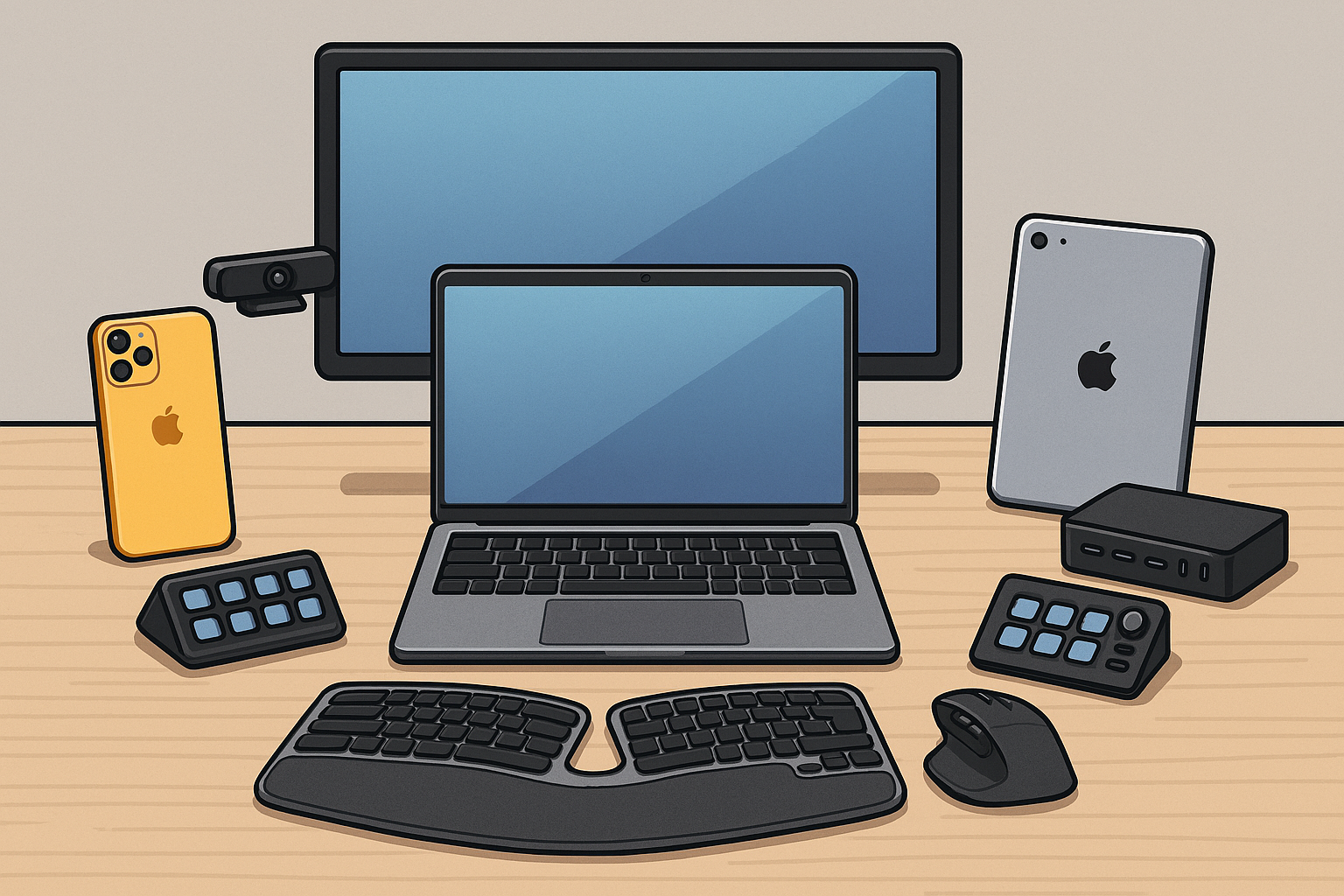
My personal phone is an iPhone 17 Pro Max, and it continues to be my go‑to device for both productivity and personal use. The large display, excellent battery life, and top‑tier camera make it an easy choice, and the 512GB of storage ensures I never have to think about space.
The orange finish is also a nice bonus—it stands out and doesn’t look like every other phone on the table.
Work iPhone – iPhone Air
For work, I use an iPhone Air, and the biggest reason is simple: weight and size matter when you carry two phones. The thin, lightweight design makes a noticeable difference day to day.
I do miss the high‑end camera, and the battery life isn’t great compared to the Pro models, but as a dedicated work phone it does exactly what I need without adding bulk.
Work Computer – MacBook Pro 16" (M1 Max)
My primary work machine is a 16‑inch MacBook Pro with the M1 Max, and even after several years it continues to perform exceptionally well. It handles my daily workflows without hesitation, which is impressive considering how much I throw at it.
At this point it rarely leaves my office and stays closed 99% of the time. When Apple releases the M5 Max Studio, that will likely become its replacement—but this machine has absolutely earned its keep.
Work Laptop – MacBook Air 13" (M4)
When I’m mobile, I rely on a 13‑inch M4 MacBook Air, and it has been an outstanding balance of power, battery life, and portability. It’s lightweight enough to carry all day while still being powerful enough to handle real work.
Having a capable laptop that doesn’t feel like a compromise has been a huge productivity win.
Work iPad – iPad Pro 12.9" (6th Gen, M2, Cellular)
I use a 12.9‑inch iPad Pro (M2) with Cellular, and I originally tried to make it my primary portable work device. While iPadOS has come a long way, there are still too many tasks—especially when working remotely with complex systems—where I need full desktop capability.
I even experimented with Windows 365 Cloud PC, but in the end it wasn’t enough for how I work. Today, the iPad is used more for content consumption and light production, and when it’s time to refresh, I’ll likely move to an iPad Air.
Desk Accessories
Logitech MX Master 4 Mouse
View on AmazonI’m a huge fan of the Logitech MX series, and the MX Master 4 is my daily driver. It’s extremely comfortable, highly customizable, and works perfectly across multiple devices.
Battery life is excellent, and when it does need charging, it tops up very quickly.
Logitech MX Brio Ultra HD 4K Webcam
View on AmazonFor video calls, I use the Logitech MX Brio 4K, and it has been rock solid for daily Teams meetings. The image quality is excellent, and it integrates cleanly into my setup without fuss.
Good audio and video go a long way in remote work, and this webcam delivers consistently.
Logitech Ergo K860 Wireless Ergonomic Keyboard
View on AmazonLong days of typing are much easier with the Logitech Ergo K860. The ergonomic design helps reduce strain, and it’s been a great fit for extended work sessions.
Comfort may not be exciting, but it’s one of those things you appreciate more over time.
Elgato Stream Deck +
View on AmazonThe Elgato Stream Deck + has become an essential part of my desk. It’s incredibly powerful, with a wide range of plugins and customization options that let me streamline common tasks.
From meeting controls to app shortcuts, it saves time throughout the day.
Anker Charging Station – 20W Max 8‑in‑1 USB‑C Power Strip
View on AmazonOne of the newest additions to my setup is the Anker 8‑in‑1 USB‑C Charging Station. I’ve always been a fan of Anker products, and this one is part of my ongoing search for the best all‑around charging solution—especially for travel.
Early impressions are very positive, and I’ll be sharing more once I’ve spent additional time with it.
Closing Thoughts
This setup reflects how I work today—practical, reliable, and focused on getting things done. There’s additional hardware I use beyond what’s covered here, and I’ll be sharing more of that in future posts.
I also plan to publish deeper reviews on certain products, along with future dives into the software, services, and workflows that tie everything together.
You can find me on LinkedIn here:
Connect with me on LinkedIn
If there’s anything in this setup you’d like me to dive deeper into, feel free to comment or reach out—I’m always happy to explore topics that are useful to others.
This post contains Amazon affiliate links. Using them helps support the site at no additional cost to you.